

12 Best Project Plan Templates to Use in 2025 (All Formats)
Discover the top 12 project plan templates for 2025. Find the best options for Obsidian, Excel, Sheets, and more to streamline your workflow.

Starting a new project without a clear roadmap is a recipe for missed deadlines and wasted effort. A solid project plan template provides the essential structure to accelerate your workflow, ensure consistency, and keep stakeholders aligned from kickoff to completion. However, the sheer volume of options, from dedicated software suites to simple spreadsheets, can make finding the right one a project in itself. This guide cuts through the noise, curating a definitive list of the best project plan templates for every need and platform.
We've done the research to help you find the perfect fit, whether you're a student organizing research in Obsidian, a team lead coordinating tasks in Google Sheets, or a manager overseeing complex timelines in a tool like Asana. To further eliminate waste and ensure consistency, leveraging a robust Standard Operating Procedure template can be as crucial as a project plan.
Each option in this list includes a practical analysis, key features, and direct links to get you started immediately. Forget building from scratch. This comprehensive resource is designed to help you select a proven framework, streamline your management process, and deliver results faster.
1. Obsibrain
Obsibrain stands out as a premier all-in-one productivity system built exclusively for the Obsidian environment, moving far beyond a simple collection of files. It offers a meticulously structured vault that integrates project planning with task management, goal setting, and knowledge organization. This cohesive ecosystem is designed to eliminate the friction of switching between multiple applications, centralizing your entire workflow into a single, offline-first platform that you control.
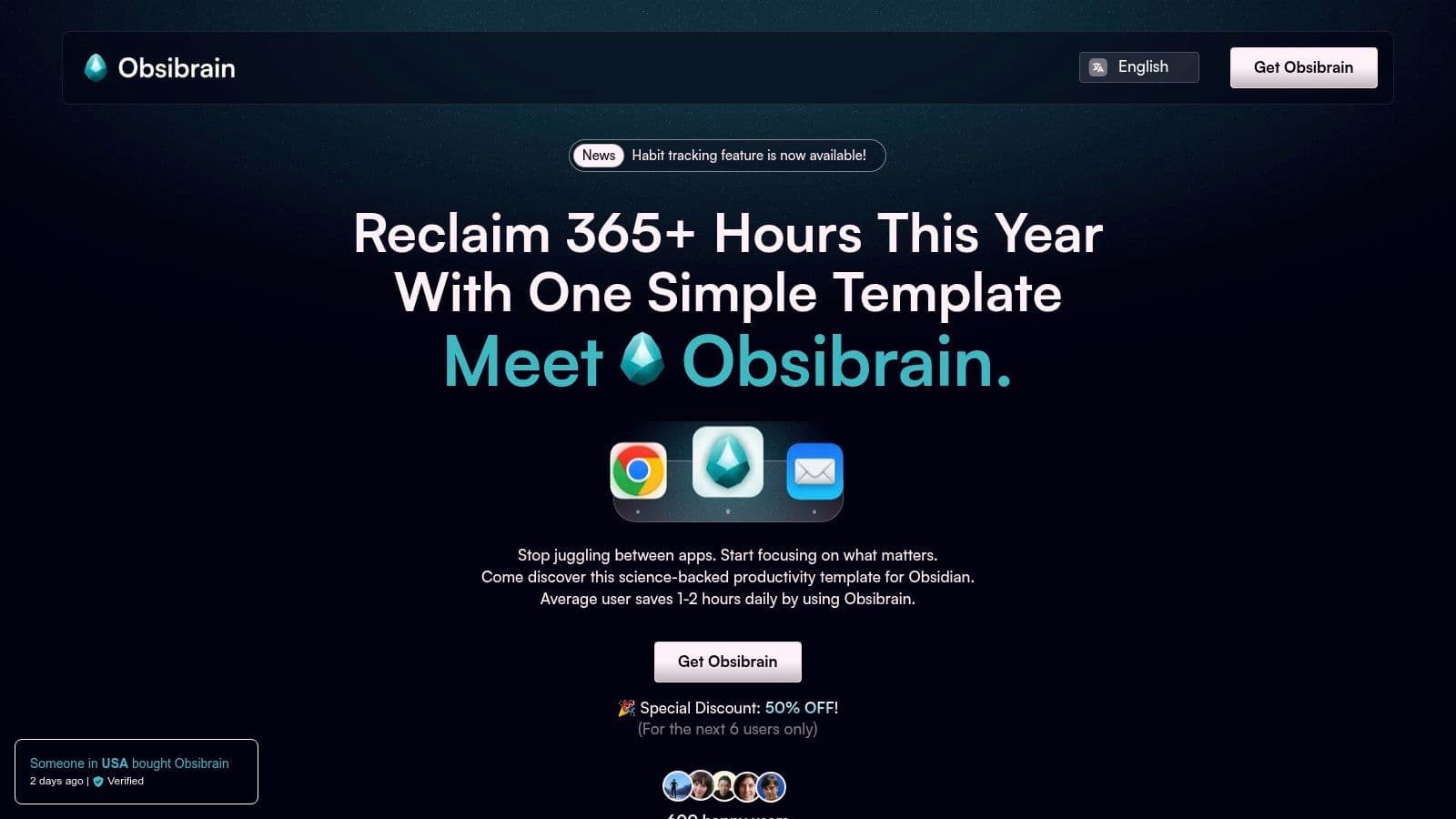
What sets Obsibrain apart is its science-backed foundation, implementing established methodologies like the P.A.R.A. folder structure and SMART goal frameworks directly into its project plan templates. This ensures that every project you initiate is built on principles of clarity and achievability. The system's true power lies in its interconnectedness; a project plan is not an isolated document but a dynamic hub linked to daily tasks, meeting notes, client details, and relevant research, all accessible via Obsidian's powerful bi-directional linking.
Key Strengths and Use Cases
Obsibrain excels in scenarios where context and integration are critical. For a freelance developer, a project plan can link directly to client communication logs, code snippets, and milestone-specific tasks. A student managing a thesis can connect their project outline to research notes, draft sections, and a long-term habit tracker for consistent writing. A content creator could use it to manage an entire editorial calendar, linking project plans for videos or articles to script drafts, research notes, and promotional task checklists. The system's periodic review templates (daily, weekly, monthly) prompt you to assess progress against your plans, ensuring continuous alignment and adaptation. Explore the SMART Projects feature on obsibrain.com to see how this structure is implemented.
- Pricing: A one-time payment of $49 provides lifetime access and all future updates.
- Pros: Comprehensive, all-in-one system; uses proven productivity methods; mobile-optimized; one-time purchase.
- Cons: Requires some familiarity with Obsidian, which has its own learning curve; major updates may need manual installation.
Website: https://www.obsibrain.com/en
2. Microsoft Excel (Microsoft Create/Excel Templates)
Microsoft’s official template hub, Microsoft Create, is an excellent starting point for anyone comfortable within the Microsoft 365 ecosystem. It provides a robust collection of free, native project plan templates designed specifically for Excel. This platform is ideal for project managers who need functional, no-frills tools without the learning curve of new dedicated software. Users can immediately download and edit Gantt charts, project timelines, and issue trackers directly within an application they already know well.
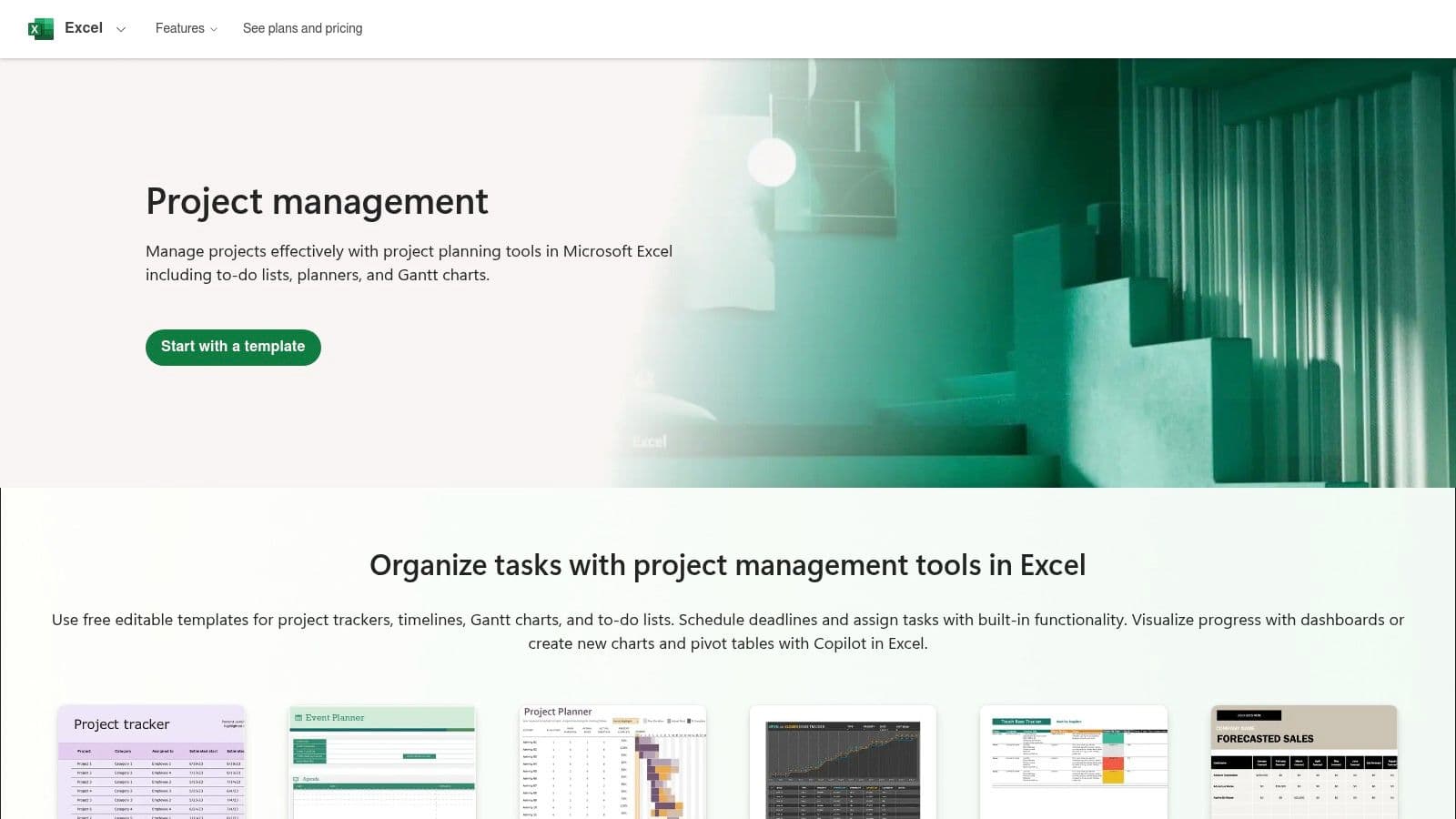
The primary advantage is its seamless integration and familiarity. The templates come with pre-built formulas and conditional formatting, saving you significant setup time. However, the reliance on manual data entry means they are less dynamic than dedicated project management tools. Complex projects with many dependencies can quickly become difficult to manage, requiring frequent manual updates to timelines and resource allocation.
Key Features and Takeaways
| Feature | Details |
|---|---|
| Cost | Completely free for anyone with access to Excel. |
| Best For | Small to medium-sized projects, users already proficient in Excel. |
| Key Advantage | No new software to learn; works offline and online with OneDrive. |
| Limitation | Real-time collaboration requires a Microsoft 365 subscription. |
Get the templates: Microsoft Create/Excel Templates
3. Google Workspace (Google Sheets/Docs Template guidance)
Google’s own learning center and template gallery are fantastic resources for teams fully embedded in the Google Workspace ecosystem. It provides official guidance and a selection of free project plan templates for both Google Sheets and Google Docs. This makes it a go-to choice for teams needing highly accessible, browser-based tools that prioritize real-time collaboration without any additional software or costs. Users can quickly find and adapt project proposals, roadmaps, and trackers for immediate use.
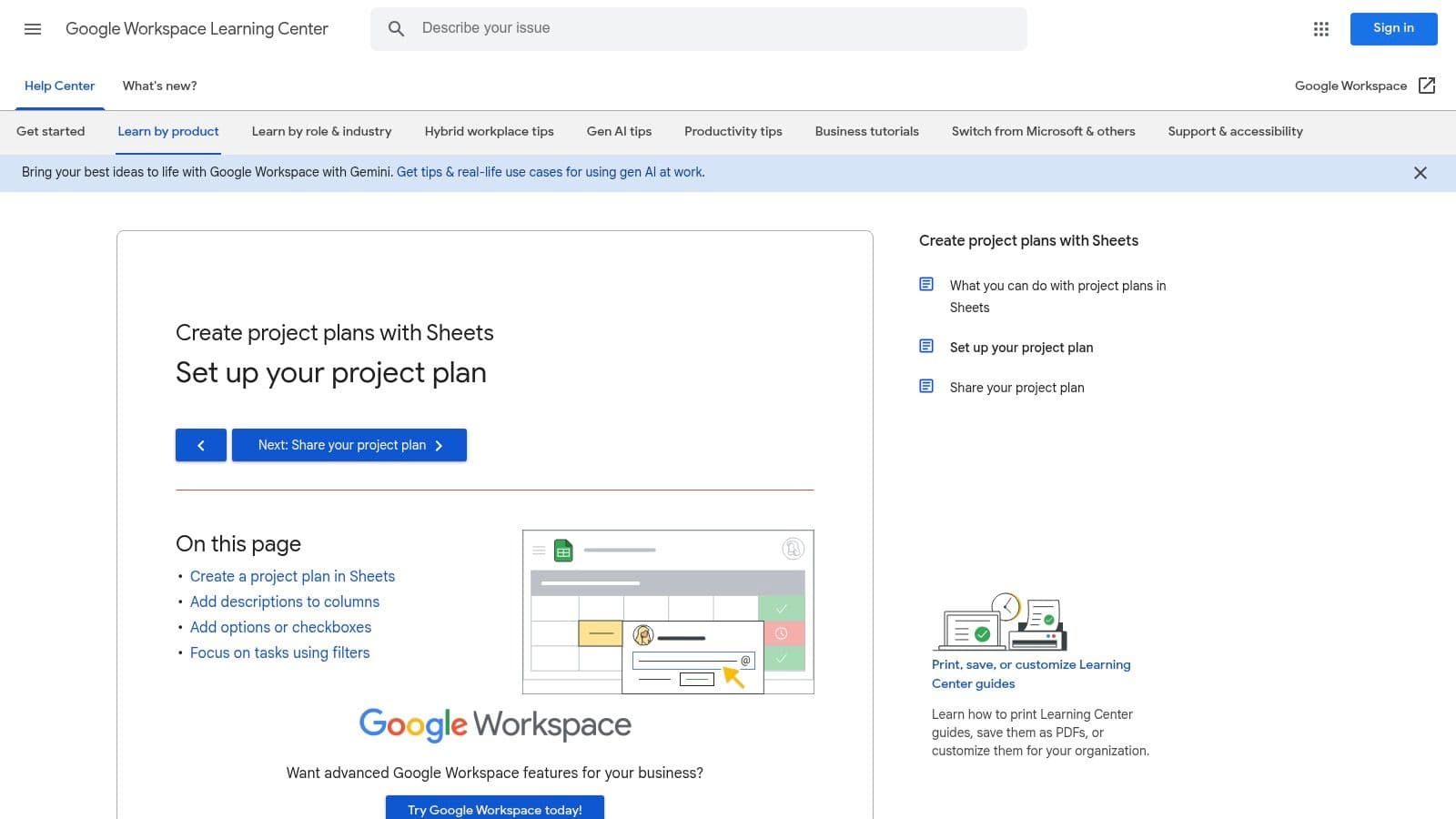
The standout feature is its effortless, real-time collaboration. Multiple stakeholders can edit, comment on, and update a project plan simultaneously, which is perfect for distributed teams. While Sheets templates offer solid functionality with checkboxes and basic formulas, they lack the advanced, built-in project management functions found in Excel. For more complex automation, users will need to explore Google Apps Script or install third-party add-ons, which can introduce a slight learning curve.
Key Features and Takeaways
| Feature | Details |
|---|---|
| Cost | Completely free for anyone with a Google account. |
| Best For | Distributed teams, real-time collaborative projects, and users familiar with G-Suite. |
| Key Advantage | Unparalleled real-time collaboration and sharing capabilities, accessible in any browser. |
| Limitation | Fewer built-in PM formulas; advanced automation requires Apps Script knowledge. |
Get the templates: Google Workspace Learning Center
4. Smartsheet Template Gallery
Smartsheet offers a powerful alternative for those who love spreadsheets but need more robust project management capabilities. Its template gallery provides a comprehensive suite of project plan templates that come pre-packaged with sheets, reports, and automated dashboards. This platform is perfect for teams that require portfolio-level tracking and standardized processes, bridging the gap between a simple spreadsheet and a full-featured project management tool.
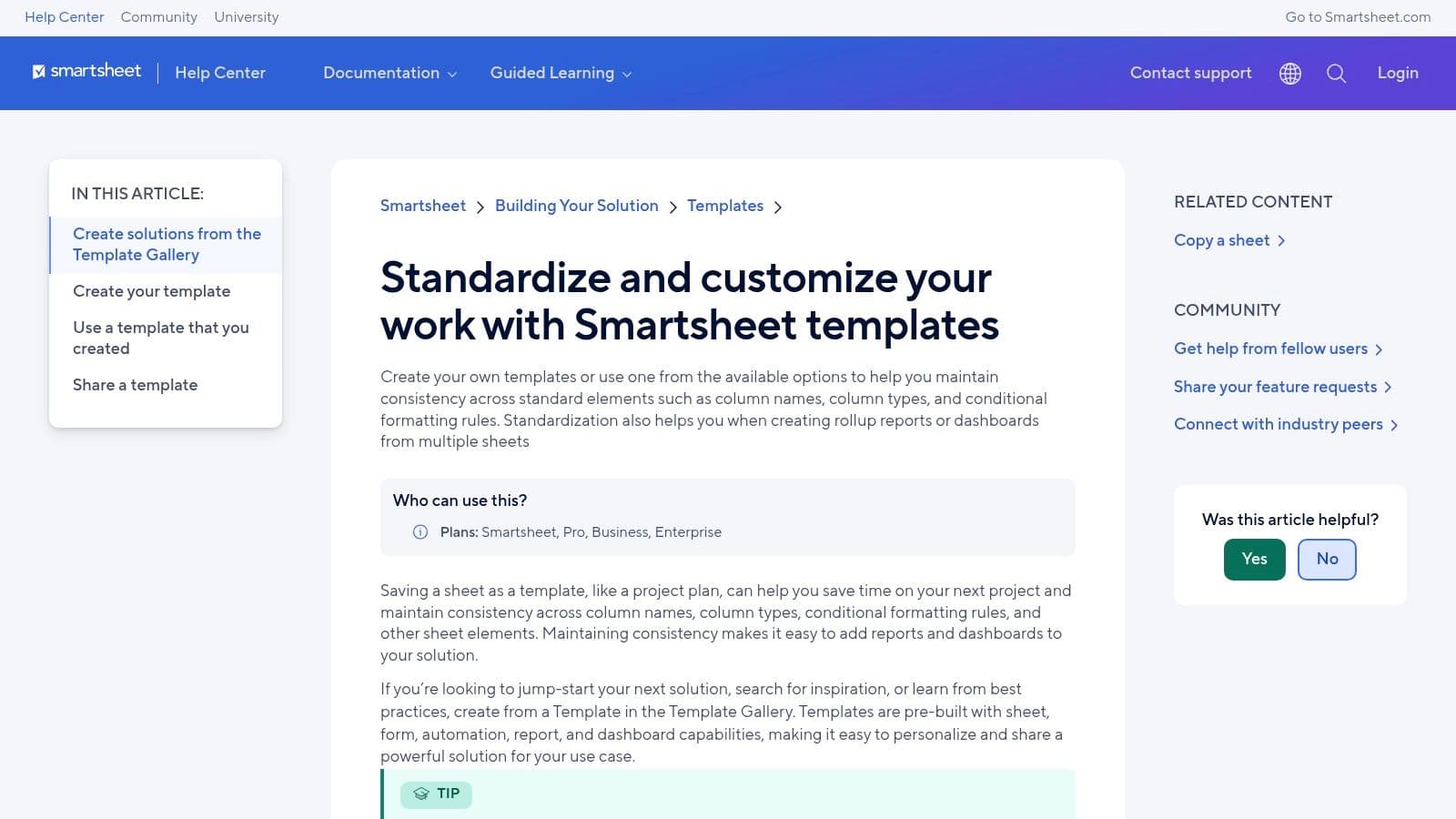
The key differentiator for Smartsheet is its scalability. Templates are designed to work together, allowing you to create roll-up reports and executive dashboards that pull data from multiple project sheets automatically. This makes it exceptionally useful for managing complex programs with many moving parts. However, while some basic templates are accessible, unlocking the full potential of its features, including automations and advanced reporting, requires a paid subscription. Some templates also require a login just to install them.
Key Features and Takeaways
| Feature | Details |
|---|---|
| Cost | Free trial available; full access requires a paid subscription. |
| Best For | Teams and organizations managing multiple complex projects. |
| Key Advantage | Combines spreadsheet familiarity with powerful PM features like automation and dashboards. |
| Limitation | The most valuable features are locked behind a paywall. |
Get the templates: Smartsheet Template Center
5. Asana Templates
Asana’s template library is a powerful resource for teams already embedded in or considering its ecosystem. It offers a wide array of professionally designed project plan templates that go beyond static documents. These are live, interactive project frameworks complete with task assignments, timelines, milestones, and dependencies built directly into the Asana platform. This makes it ideal for teams needing an out-of-the-box solution that immediately connects planning to execution.
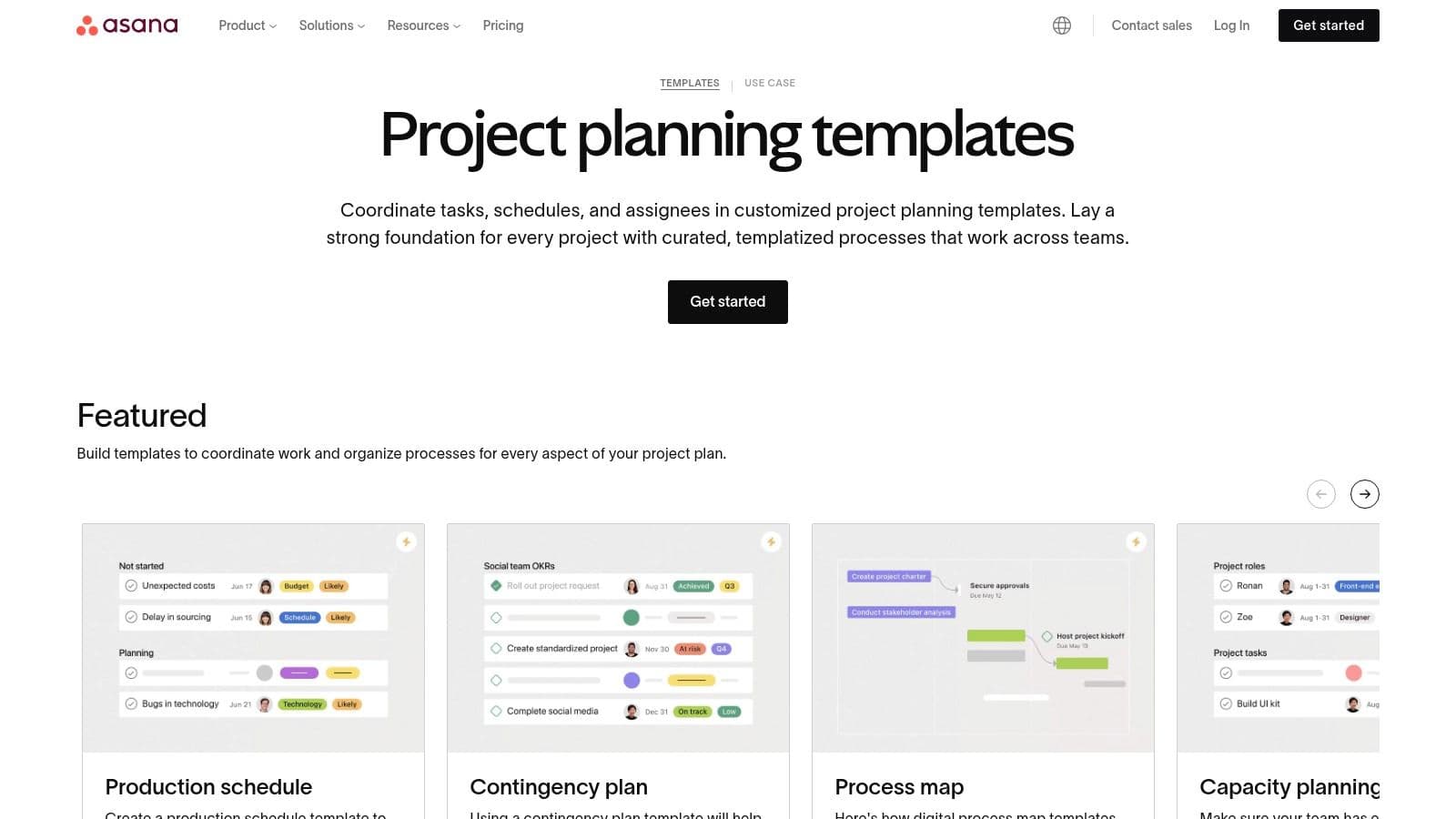
The key advantage of Asana's templates is their seamless integration into a collaborative environment. Unlike a spreadsheet, a plan can be launched instantly with clear owners and due dates, providing immediate visibility to all stakeholders. However, accessing the most powerful features like custom fields, advanced reporting, and portfolio management requires a subscription to their paid plans. The platform's extensive customization can also create a steeper learning curve for administrators managing complex permissions and workflows.
Key Features and Takeaways
| Feature | Details |
|---|---|
| Cost | Free plan offers basic templates; advanced features require paid plans. |
| Best For | Collaborative teams, Agile workflows, and managers needing integrated task management. |
| Key Advantage | Connects planning directly to execution with assignees and due dates. |
| Limitation | The best features are locked behind a paywall; can be complex for small teams. |
Get the templates: Asana Templates
6. ClickUp Template Library
ClickUp positions itself as an all-in-one productivity platform, and its template library reflects that ambition. It offers a vast collection of project plan templates that leverage its powerful features, including multiple views like Gantt, Board, and Calendar. This makes it an excellent choice for teams seeking a single, customizable environment to manage complex workflows without juggling different tools. Users can quickly apply a pre-built structure and adapt it with custom fields and automations.
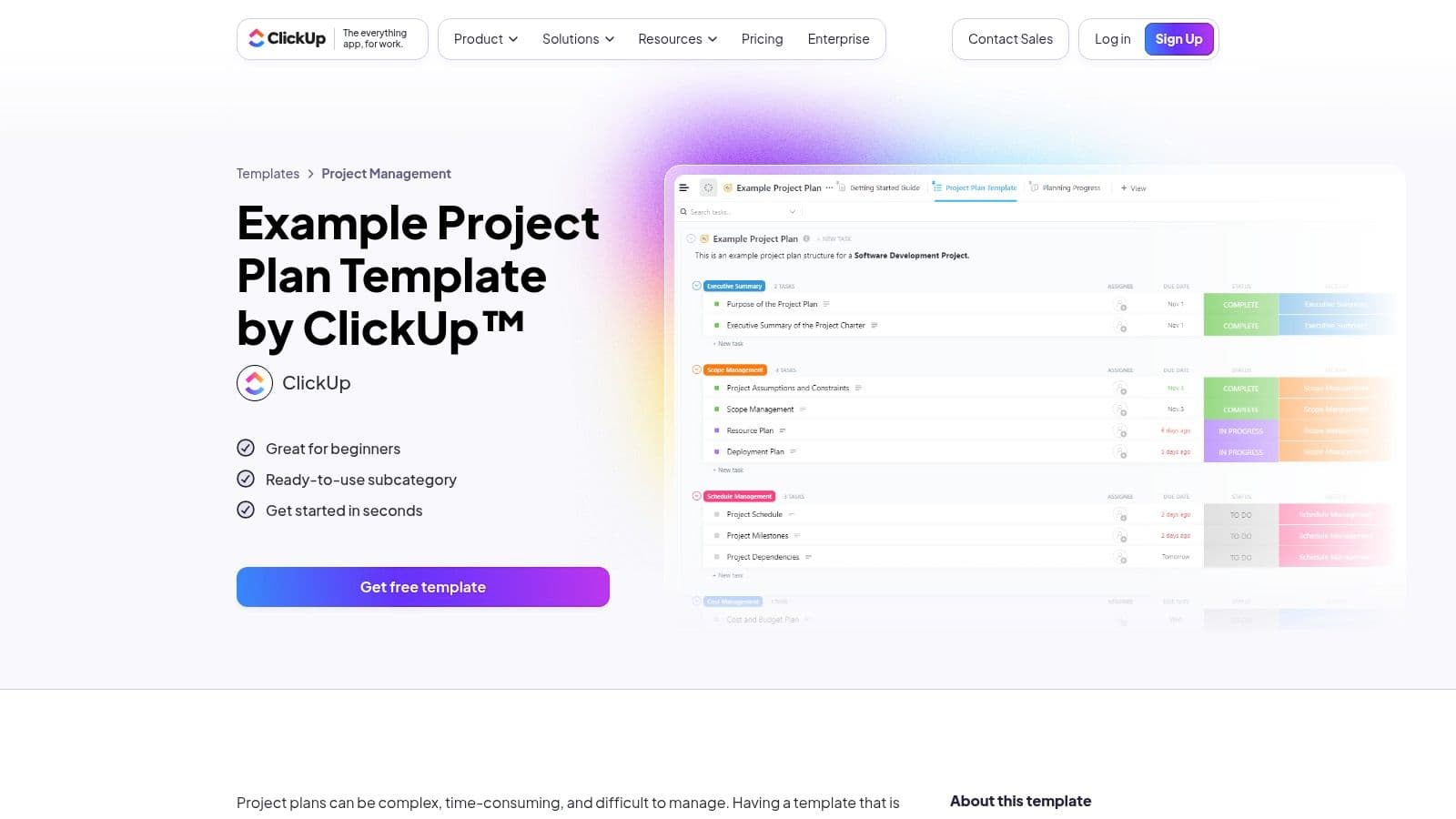
The key benefit is its flexibility and the generous feature set available on the free tier. Unlike simple spreadsheet templates, ClickUp’s offerings are dynamic, allowing for dependencies, workflow automations, and real-time collaboration. However, the sheer number of features can present a learning curve for new users, and some advanced templates and automations are locked behind paid tiers, which can limit the scalability of projects on the free plan.
Key Features and Takeaways
| Feature | Details |
|---|---|
| Cost | Free version with generous features; paid plans unlock advanced capabilities. |
| Best For | Agile teams and organizations wanting a highly customizable, all-in-one platform. |
| Key Advantage | Dynamic views (Gantt, Board, List) and built-in automation capabilities. |
| Limitation | The platform's extensive features can be overwhelming for beginners. |
Get the templates: ClickUp Template Library
7. monday.com Template Center
monday.com has become a go-to platform for teams that prioritize visual workflow management, and its Template Center is a major reason why. It offers a rich library of project plan templates, including detailed Project Management Plans and High-Level Project Plans, designed for users who may not be seasoned project managers. The platform excels at translating complex project data into intuitive, color-coded boards that are easy to understand at a glance.
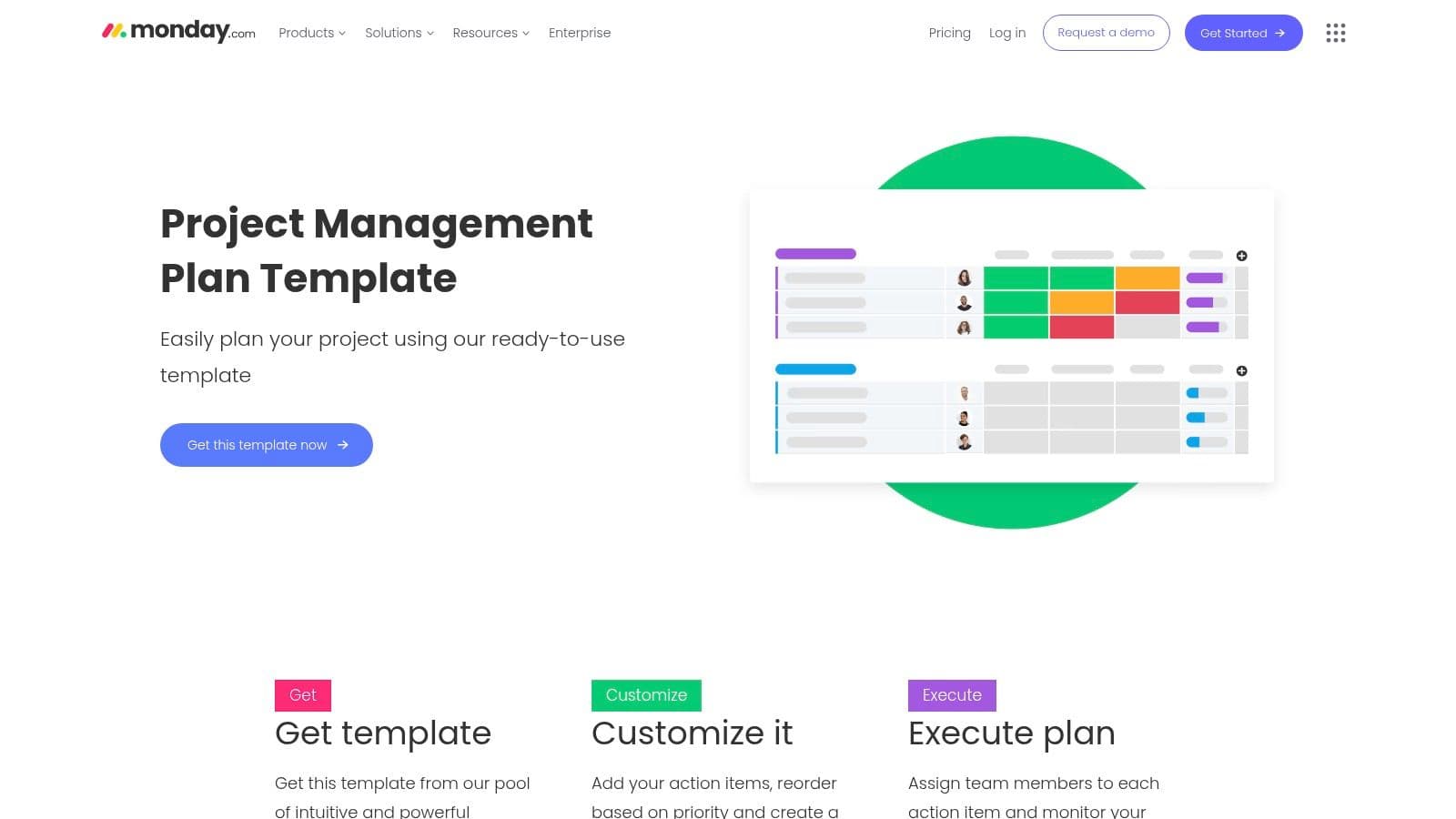
The key differentiator for monday.com is its blend of user-friendliness with powerful automation and integration capabilities. You can set up rules to automate routine tasks, send notifications to Slack, or sync with Gmail, all from a highly approachable interface. While it offers robust features for teams, individual users in systems like Obsidian might find its collaborative focus excessive. However, its task management principles can inspire more effective personal workflows, especially when creating a structured system for tracking multiple projects. Learn more about effective task management strategies that can be applied across different tools.
Key Features and Takeaways
| Feature | Details |
|---|---|
| Cost | Free plan available (limited to 2 seats); paid plans start from $9 per seat/month. |
| Best For | Teams seeking a highly visual and automated project management solution. |
| Key Advantage | Extremely user-friendly interface with powerful automation and visualization tools. |
| Limitation | Paid plans have a minimum seat requirement, making it costly for small teams or solo users. |
Get the templates: monday.com Template Center
8. ProjectManager Templates (Downloadable)
ProjectManager offers a collection of free, downloadable project plan templates for both Word and Excel, acting as a great entry point for those who prefer traditional document formats. The templates provide a solid foundation, covering essential elements like scope, milestones, deliverables, and schedules. They are designed as high-quality standalone tools but also serve as a gateway to the platform's more advanced, collaborative software. This makes them ideal for project managers who want to start with a familiar format before committing to a new system.
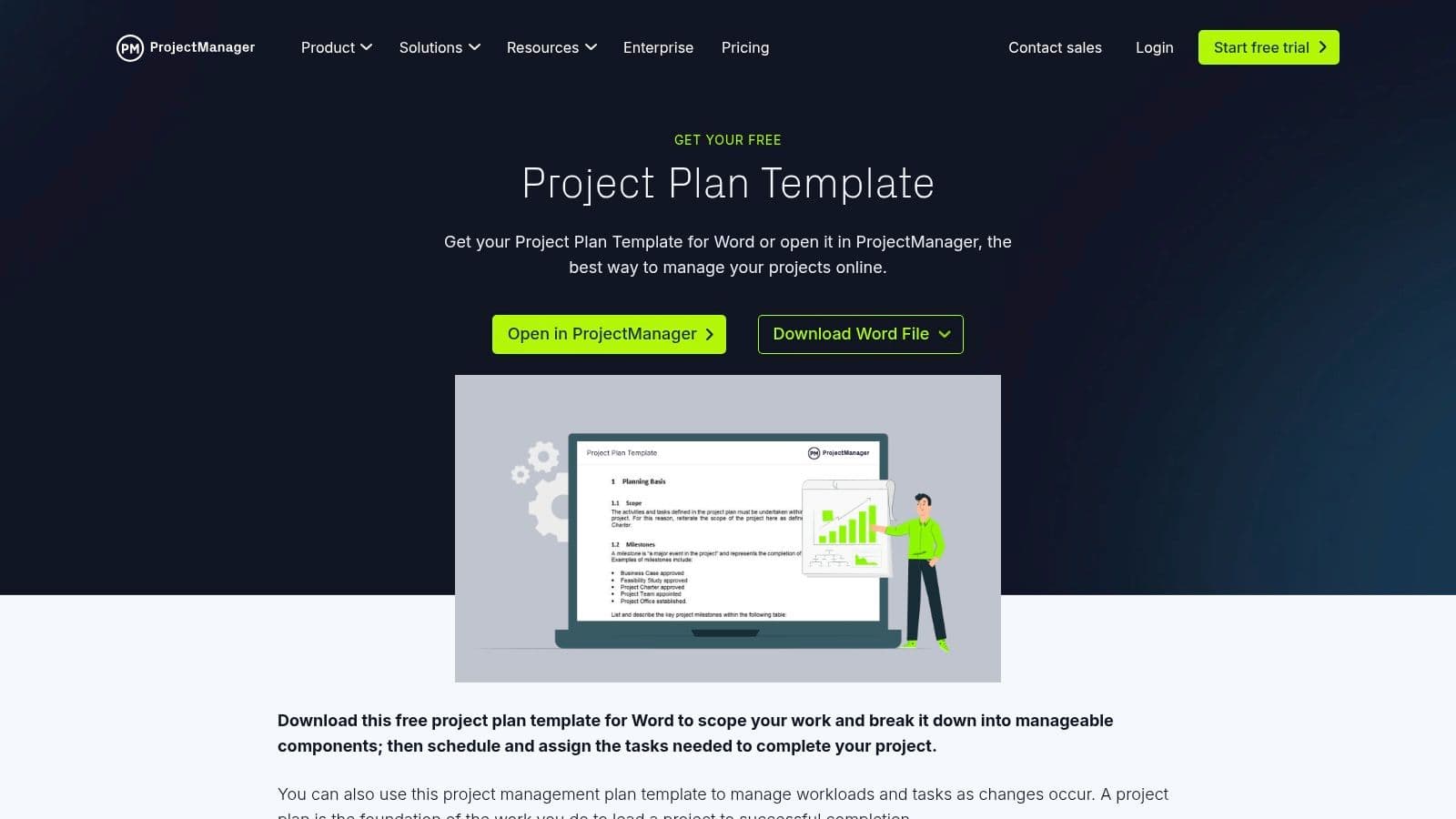
The primary benefit of these templates is their professional structure and ease of access. You can download a Word-based project plan or an Excel Gantt chart with a single click, no sign-up required. While the templates are well-made, they are static and lack the dynamic, real-time collaboration features of the full ProjectManager software. This means updates must be done manually, making them best suited for initial planning stages or smaller projects where live tracking is not a critical requirement.
Key Features and Takeaways
| Feature | Details |
|---|---|
| Cost | Templates are completely free to download. |
| Best For | Initial project drafting, small teams, and users preferring Word/Excel. |
| Key Advantage | High-quality, professionally structured templates in multiple formats. |
| Limitation | Static documents; require a paid subscription for live collaboration features. |
Get the templates: ProjectManager Templates
9. Atlassian Confluence Templates (Project Planning)
For teams embedded in the Atlassian ecosystem, Confluence provides an indispensable hub for collaborative documentation. Its collection of free project plan templates is specifically designed for software development, IT projects, and agile workflows. These templates go beyond simple task lists, offering structured pages for project proposals, kickoff meetings, and requirements gathering. They are perfect for creating a centralized source of truth that integrates directly with Jira.
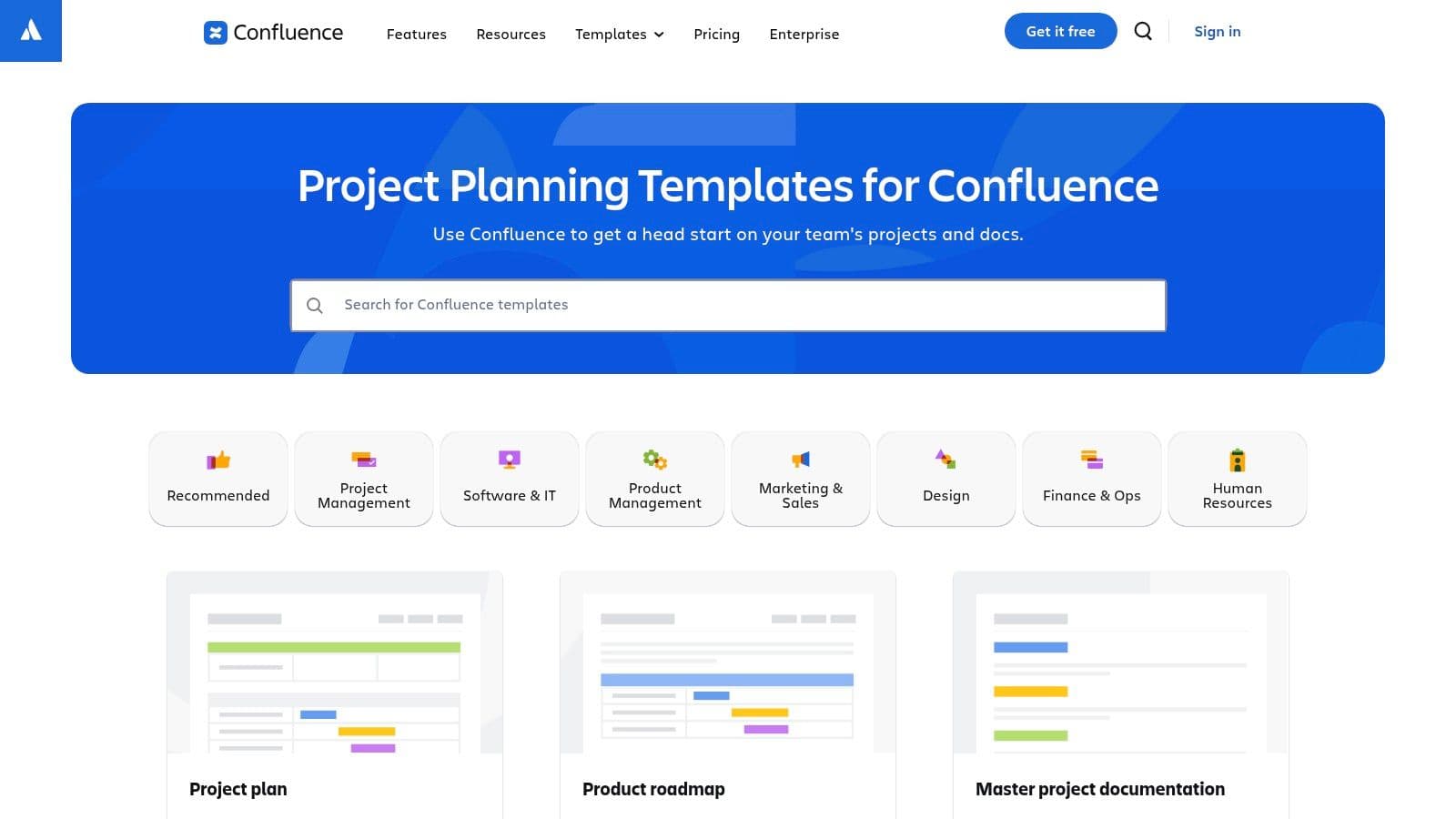
The key strength of Confluence is its deep integration with Jira, allowing teams to link project plans directly to sprints, epics, and individual issues. This creates a seamless connection between high-level planning and day-to-day execution. While the templates are powerful for documentation-heavy projects, their utility is maximized when used within the broader Atlassian suite. Teams not using Jira might find the platform less intuitive or beneficial compared to standalone tools.
Key Features and Takeaways
| Feature | Details |
|---|---|
| Cost | Free tier available for up to 10 users; paid tiers for more features. |
| Best For | Agile software teams, IT project managers, and organizations using Jira. |
| Key Advantage | Native integration with Jira for seamless issue and requirements tracking. |
| Limitation | Most effective for teams already invested in the Atlassian ecosystem. |
Get the templates: Atlassian Confluence Templates
10. Notion Template Gallery (Project Plans)
Notion’s official template gallery provides a diverse collection of project plan templates that leverage the platform’s unique blend of databases, documents, and wikis. This all-in-one workspace is perfect for teams who want to centralize project tasks, documentation, and notes in a single, interconnected environment. Users can instantly duplicate official or community-built templates into their own workspace, gaining access to pre-configured kanban boards, timelines, and calendars.
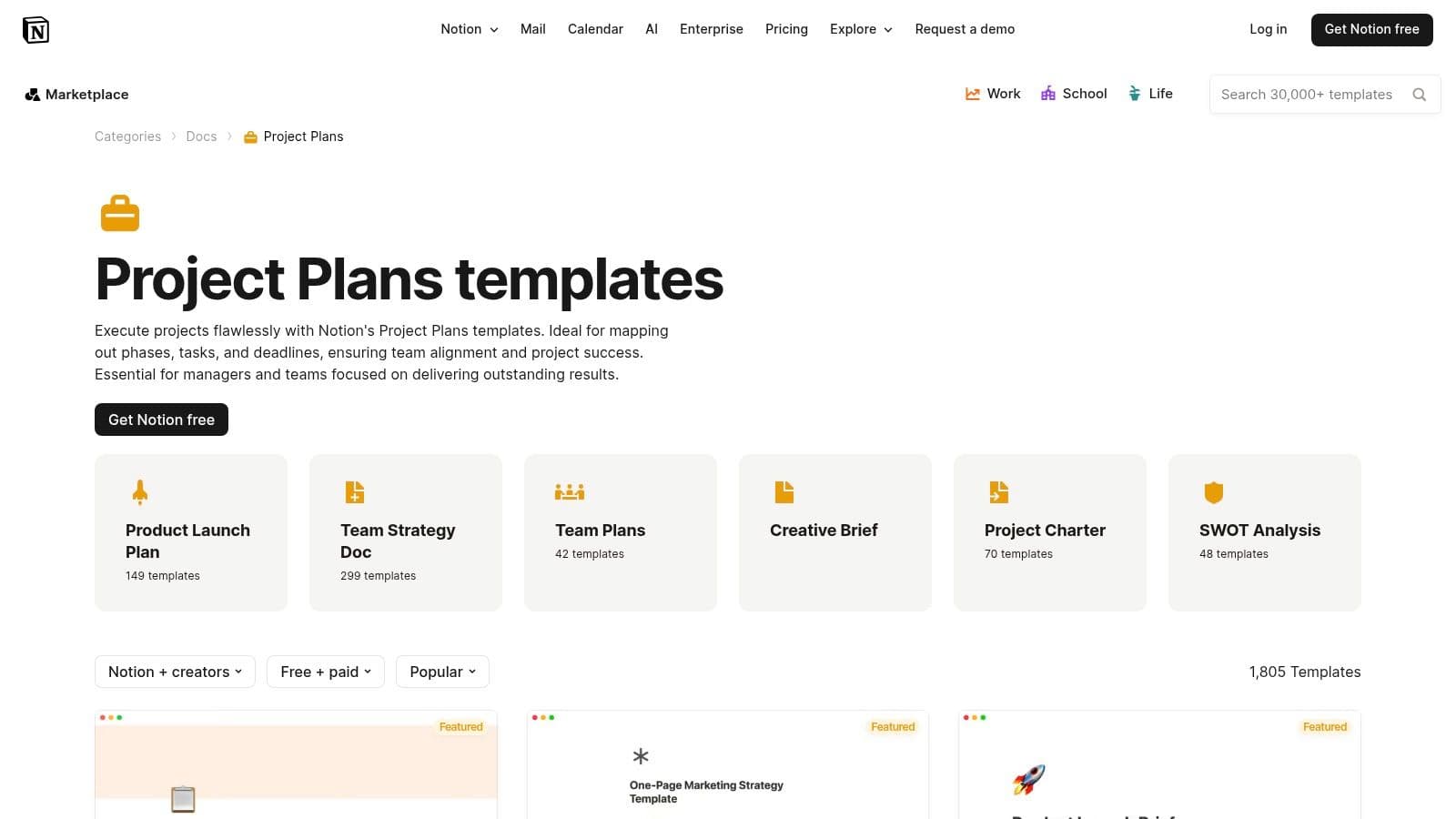
The key strength of Notion is its unparalleled customizability. Unlike rigid tools, Notion templates serve as a starting point. You can add custom properties, link databases, and build different views (like Gantt-style timelines) to match your team’s exact workflow. However, this flexibility comes with a learning curve, and establishing a clear structure and governance is crucial to prevent the workspace from becoming disorganized. While many great templates are free, some community-made options are paid.
Key Features and Takeaways
| Feature | Details |
|---|---|
| Cost | Free plan available; paid plans unlock advanced features and collaboration. |
| Best For | Teams needing a single source of truth for tasks, docs, and project knowledge. |
| Key Advantage | Extreme flexibility to build a custom project OS around a template. |
| Limitation | Requires initial setup and team discipline to maintain structure. |
Get the templates: Notion Template Gallery/Project Plans
11. Etsy (Digital Download Project Plan/Gantt Templates)
Etsy offers a surprisingly diverse marketplace for project plan templates, created by independent designers and professionals. It is the ideal destination for users seeking aesthetically pleasing or highly niche templates for Excel and Google Sheets that go beyond standard corporate designs. You can find everything from minimalist Gantt charts to colorful, dashboard-driven project trackers, often tailored for specific industries like wedding planning, content creation, or small business operations. The platform’s strength lies in its variety and the creativity of its sellers.
The primary advantage of Etsy is the ability to acquire a unique, well-designed template for a low, one-time cost. Buyer reviews are a crucial feature, providing social proof and helping you gauge a template's quality and the seller’s reliability before purchasing. However, the experience can be inconsistent. Since you are buying from individual creators, the level of functionality, support, and future updates varies significantly from one shop to another. Always check reviews and product descriptions carefully.
Key Features and Takeaways
| Feature | Details |
|---|---|
| Cost | One-time purchases, typically ranging from $6 to $39. |
| Best For | Individuals and small businesses seeking visually appealing or niche-specific templates. |
| Key Advantage | Vast selection of creative and unique designs not found elsewhere. |
| Limitation | Quality and support are not standardized and depend entirely on the seller. |
Get the templates: Etsy Excel Gantt Schedule Planner Templates
12. Template.net (Downloadable Project Plan Templates)
Template.net is a vast digital library offering a massive catalog of free and premium downloadable project plan templates. Its key strength lies in its incredible format diversity, providing documents for Word, Google Docs, Excel, Google Sheets, PDF, and even PowerPoint. This makes it a go-to resource for teams needing a quick, professionally formatted plan that fits into their existing software ecosystem, whether for an IT project, construction bid, or Agile sprint planning.
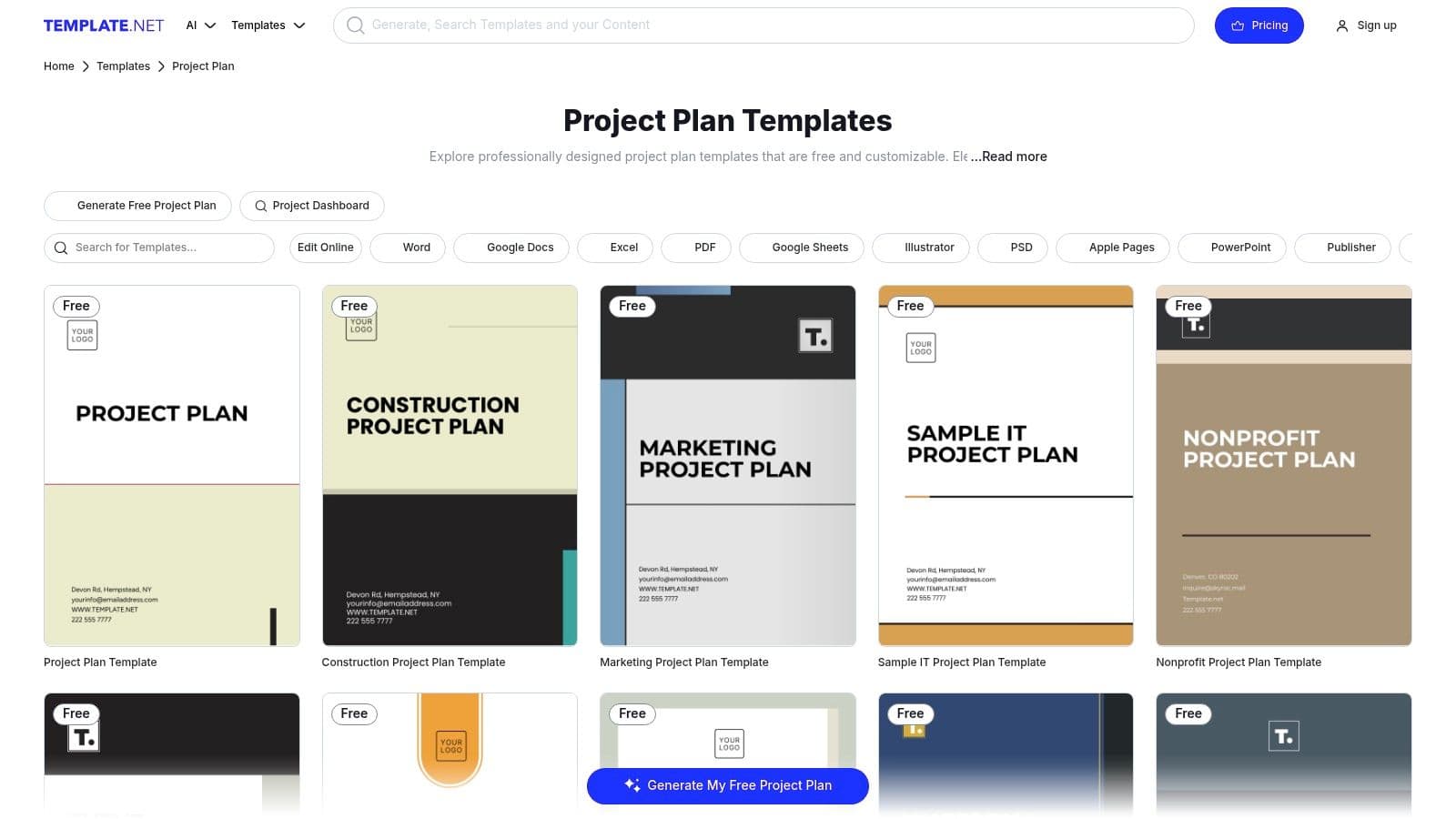
The platform is designed for speed and convenience, allowing users to quickly create standardized, formal project documents. Templates come with structured sections and visual assets, saving significant time on document design. However, while excellent for static documentation, these files are not suited for live, dynamic project scheduling and lack the collaborative features of dedicated apps. Some of the more advanced or visually appealing options are also locked behind a premium membership. For a deeper understanding of how these foundational documents work, you can learn more about what a template is.
Key Features and Takeaways
| Feature | Details |
|---|---|
| Cost | Free and premium options available; a subscription is needed for full access. |
| Best For | Creating formal, static project plan documents for various industries. |
| Key Advantage | Huge variety of file formats (Word, Excel, PDF, etc.) for wide compatibility. |
| Limitation | Not a dynamic project management tool; some templates require payment. |
Get the templates: Template.net Project Plans
Project Plan Template Resources Comparison
| Product | Core Features / Functionality | User Experience / Quality ★ | Value Proposition 💰 | Target Audience 👥 | Unique Selling Points ✨ |
|---|---|---|---|---|---|
| Obsibrain 🏆 | All-in-one Obsidian template: tasks, notes, goals, habits, clients | ★★★★☆ (4.7/5), mobile-optimized, theme-compatible | One-time $49, lifetime updates | Obsidian users at all levels | Science-backed, P.A.R.A. + SMART project system, quick capture, offline access |
| Microsoft Excel Templates | Free Excel PM templates: Gantt, trackers, timelines | ★★★☆☆ Familiar UI, reliable formatting | Free with Excel / Microsoft 365 | Excel users wanting simple PM spreadsheets | Wide template variety, offline+online use |
| Google Workspace Templates | Real-time collaborative Sheets & Docs templates | ★★★☆☆ Easy sharing, browser-based | Free for Google accounts | Teams needing collaboration & sharing | Live collaboration, free and accessible |
| Smartsheet Template Gallery | Project sheets, dashboards, automations, Gantt charts | ★★★★☆ Robust, report & dashboard support | Paid subscription required | Teams needing portfolio-level tracking | Automation, dependencies, scalable reporting |
| Asana Templates | Agile & project plans with milestones, dependencies | ★★★★☆ Interactive, task-linked timelines | Free basic, paid advanced plans | Teams focused on task management | 200+ app integrations, clear timelines |
| ClickUp Template Library | Multiple views: List, Board, Gantt, Calendar | ★★★★☆ Highly customizable, strong free tier | Freemium model | Teams wanting all-in-one PM tool | Custom fields, workflow automations |
| monday.com Template Center | Visual boards, automations, integrations | ★★★★☆ User-friendly UI, visual PM | Free limited seats, paid plans | Non-PM professionals & small teams | Intuitive interface, strong integration options |
| ProjectManager Downloadables | Word & Excel Gantt/project plan downloads | ★★★☆☆ Simple, classic document style | Free downloads, paid software upgrade | Users preferring offline docs/spreadsheets | Clear structure, multiple file formats |
| Atlassian Confluence Templates | Docs-based project plans with Jira integration | ★★★★☆ Good for IT/software projects | Free with Atlassian Cloud paid tiers | Software teams using Jira/Atlassian | Collaboration, version history, Jira link |
| Notion Template Gallery | Flexible project plans with database views | ★★★★☆ Highly customizable and affordable | Freemium with advanced paid features | Teams needing unified docs + task workspace | Mix of free & paid templates, timelines & kanban views |
| Etsy (Digital Downloads) | Stylish downloadable Excel/Sheets templates | ★★★☆☆ Buyer-reviewed, varied quality | $6-$39 typically | Buyers wanting design-focused one-offs | Instant download, niche/industry-specific designs |
| Template.net Downloadables | Multi-format downloadable project plans | ★★★☆☆ Wide format choice, standardized docs | Free & premium membership options | Diverse industries needing formal docs | Covers many methodologies, editable online |
From Planning to Execution: Your Next Steps
We've navigated a diverse landscape of project plan templates, from the deeply integrated knowledge management of Obsibrain to the robust, team-oriented platforms like Asana and monday.com, and the familiar reliability of Excel and Google Sheets. The central theme is clear: the most effective template is not necessarily the most complex one, but the one that seamlessly integrates into your existing workflow and actively reduces friction between idea and execution. The goal is to find a system that serves you, not one that you have to serve.
The ultimate choice depends entirely on your specific context. A solo academic managing a dissertation might find the perfect companion in an Obsibrain template, where research notes, outlines, and task timelines live cohesively within their Obsidian vault. In contrast, a marketing team coordinating a multi-channel campaign will likely gravitate towards the collaborative features and real-time updates offered by ClickUp or Smartsheet. The key is to diagnose your primary challenge first.
Choosing Your Starting Point
Before you download the first template you see, take a moment to pinpoint your biggest project management obstacle. Your selection should be a direct solution to this problem.
- If your problem is scattered information: Your notes, tasks, and project context are in different apps. Look to integrated solutions like Obsibrain for Obsidian, Notion, or Confluence where your plan can live alongside its supporting documentation. A use case for Obsibrain here is planning a home renovation project where the project plan links to contractor quotes, design inspiration notes, and budget tracking sheets all within the same system.
- If your problem is poor collaboration: Team members are siloed and communication is disjointed. Prioritize platforms built for teamwork like Asana, ClickUp, or monday.com. Their templates are designed to facilitate shared visibility and communication.
- If your problem is a lack of clear timelines: You struggle to visualize dependencies and deadlines. Start with a Gantt chart-focused template from Smartsheet, ProjectManager, or even a specialized Excel template.
- If your problem is getting started quickly: You need a simple, no-fuss solution. The downloadable Word or Google Docs templates from Template.net or the straightforward sheets from Google's own gallery provide the path of least resistance.
Implementing Your Chosen Template
Once selected, true success lies in implementation. A template is a starting point, not a rigid mandate. Customize it to fit the unique needs of your project. You may find that a core project plan is just one piece of the puzzle. For initiatives that require significant upfront validation, successful execution often requires specific analytical documents. For instance, before committing resources, you might need to explore templates for feasibility studies to ensure your project's fundamental viability from a financial and technical standpoint.
Your project plan is a living document. It should evolve as the project progresses. Schedule regular check-ins to update tasks, adjust timelines, and re-evaluate priorities. A great plan provides the foundation for successful execution, and with the right tools in hand, you are now equipped to build with confidence.
Ready to transform your personal knowledge base into a powerful project management hub? Explore Obsibrain to see how deeply integrated project plan templates within Obsidian can connect your tasks directly to your notes, research, and ideas. Discover a more intelligent way to plan and execute at Obsibrain.
Obsibrain
Get the complete Obsidian second-brain system
Skip the 20-hour setup spiral. Templates, dashboards, and workflows ready in about 30 minutes — no coding required.
$49 one-time payment. Backed by our 30-day guarantee.