Note taker app: the 7 best ways to capture ideas in 2026
Finding the right note taker app can feel overwhelming. This guide cuts through the noise to help you find the note taking app that actually fits how you think, work, and capture ideas in 2026.
Finding the right note taker app can feel overwhelming when dozens of options compete for your attention. Some promise to become your second brain, others focus on quick lists, and a few turn your tablet into a digital sketchpad. This guide cuts through the noise to help you find the note taking app that actually fits how you think, work, and capture ideas in 2026.
Quick answer: the best note taker apps right now
Before diving into features, workflows, and pricing, here’s the short version. These seven apps represent the strongest options for capturing and organizing your ideas in 2026:
-
Microsoft OneNote — Best free all-rounder with unlimited devices and freeform flexibility
-
Apple Notes — Best for Apple stylus handwriting and seamless iCloud sync across Apple devices
-
Google Keep — Best for quick notes and tight Google ecosystem integration
-
Notion — Best for building a second brain with databases, wikis, and team collaboration
-
Obsidian — Best for linked knowledge graphs and long-term personal knowledge management
-
Goodnotes — Best for iPad handwriting with shape recognition and PDF markup
-
Craft — Best for polished, block-based design with beautiful Mac/iOS sync
All seven apps remain actively updated as of 2026 and work across their supported platforms (iOS, Android, macOS, Windows, and web, depending on the app). If you’re wondering what to download first, grab OneNote for the broadest flexibility or Apple Notes if you’re already inside the Apple ecosystem.
What is a note taker app in 2026?
A modern notes app isn’t just a digital sticky note. In 2026, these tools serve as central hubs where text, images, audio, tasks, and even AI-powered features come together to help you capture, organize, and connect your ideas over time.
The landscape has evolved significantly over the last few years. Apps now commonly offer cross-platform sync, multimedia embedding, offline access, and export options to prevent vendor lock-in. AI features have become standard too—transcription accuracy exceeds 95% in most leading apps, and tools like summaries, handwriting recognition, and formatting assistance help you do more with less manual work.
- Simple note apps like Google Keep excel at quick capture—grocery lists, reminders, and short thoughts you need to access fast. Knowledge systems like Obsidian or Notion go deeper, letting you create notes that link together, form databases, and build into something greater than individual pages.
Everyday use cases in 2026 span the practical to the ambitious: tracking your grocery list on your phone, taking lecture notes during spring semester, capturing meeting notes with speaker-labeled transcripts, managing research projects with citations, and maintaining personal journals that blend typed reflections with voice notes and scanned receipts.

How to choose the right note taker app for you
The best note taking app depends on three things: the devices you use, your budget, and how you naturally think and organize information.
-
Device ecosystem matters. If you carry a Windows laptop and Android phone, OneNote’s native apps across both platforms make sense. If you live on iPhone and iPad, Apple Notes syncs effortlessly through iCloud. Cross-platform needs often push users toward Notion, Obsidian, or OneNote since they work everywhere.
-
Offline access and sync reliability vary. Obsidian stores files locally on your devices, making it rock-solid when bandwidth is limited. Cloud-dependent apps like Evernote or Notion occasionally lag in low-connectivity scenarios. If you travel frequently or work in areas with spotty internet, prioritize apps with strong offline modes.
-
Export options prevent lock-in. Obsidian and Joplin store everything in Markdown, making it easy to switch apps or access data decades from now. Proprietary formats in some apps can make migration painful. Check whether you can export to PDF, Markdown, or HTML before committing.
-
Pricing in 2026 follows predictable patterns. Free tiers handle basics—OneNote offers 5GB via OneDrive, Google Keep shares 15GB with Google Drive, and Notion provides unlimited personal pages. Subscriptions ranging from $2–$10/month unlock extras like expanded storage, AI features, and team collaboration. Evernote’s free plan now caps users at 50 notes and one device, pushing serious users toward paid plans around $10–$15/month.
-
Workflow style shapes your ideal tool. Do you think in linear pages like physical notebooks? OneNote and Apple Notes work well. Prefer connecting ideas across topics with links and tags? Obsidian and Notion shine. Need to sketch, draw, and annotate with a pen? Goodnotes or OneNote’s infinite canvas approach makes sense.
A practical approach: test at least two or three apps for a full week each. Try OneNote for your March 2026 meetings, then switch to Obsidian for one research project. You’ll quickly discover what feels natural and what frustrates you. About 40% of users switch apps within months, so don’t feel locked into your first choice.
The best note taker apps at a glance
Before jumping into detailed breakdowns, here’s a quick overview of each recommended app’s strengths, platform coverage, and 2026 pricing:
-
Microsoft OneNote: Free with 5GB OneDrive storage, $1.99/month for 100GB. Works on iOS, Android, Windows, macOS, and web. Best for education, collaboration, and freeform canvases with Copilot AI summaries on Windows.
-
Apple Notes: Free with 5GB iCloud storage (shared across Apple services). Works on iOS, macOS, and iCloud web. Top choice for Apple Pencil handwriting and seamless sync across Apple devices.
-
Google Keep: Free with 15GB Google Drive storage. Works on Android, iOS, web, and Chrome extension. Ideal for quick lists, reminders, and deep Google Docs/Gmail/Google Calendar integration.
-
Notion: Free for personal use, $10/user/month for Plus plan. Works on all platforms. Strongest for collaboration, databases, and building interconnected knowledge bases.
-
Obsidian: Free for personal use, $5/month for optional Sync add-on. Works on all platforms including Linux. Best for backlinks, graph view, and local-first privacy.
-
Goodnotes: $9.99/year for unlimited notebooks. Works on iPad, iPhone, and Mac. Premier handwriting app with PDF markup, shape recognition, and searchable ink.
-
Craft: Free tier available, $8/month for Pro. Works on iOS and macOS. Beautiful block-based editor with adaptive layouts for visual thinkers.
-
Alternatives worth noting: Joplin offers free open-source Markdown note taking with Evernote import capability. Evernote itself has rebuilt with AI features but severely limits free users.
More detailed pros, cons, and workflows for each app appear in the sections below.
Best traditional note taker apps (lists, lectures, and work notes)
If you think in pages, notebooks, and folders—similar to physical notebooks—these apps match that mental model. They work best for linear tasks like taking lecture notes, managing to-do lists, and organizing work projects.
This category covers the classic-style note taker apps most people start with in school or office environments in 2026. Each app below gets its own subsection: Microsoft OneNote, Apple Notes, Google Keep, and Evernote.
Real-world scenarios for these tools include hybrid meetings where you need to record audio and jot down action items, remote classes requiring lecture notes synced across your phone and laptop, and day-to-day personal planning like tracking errands and appointments.
Microsoft OneNote (iOS, Android, Windows, macOS, Web)
OneNote remains the most flexible free note taker app for traditional notebook-style organization in 2026. Its digital notebook metaphor—notebooks containing sections containing pages—mirrors how many people already think about organizing information.
What makes OneNote stand out is its freeform canvas. You can click anywhere on a page to start typing or drawing. There’s no rigid structure forcing you into boxes or templates. This flexibility extends to handwriting with a stylus, where OneNote supports natural ink input and can search within your handwritten notes.
-
Digital ring-binder structure with notebooks, sections, and pages that scale from personal journals to complex team wikis
-
Freeform pages where you click anywhere to add text, ink, or embedded content
-
Stylus handwriting with search capabilities that recognize your scrawl
-
Embedded audio that syncs with typed notes—playback advances with your strokes, making it perfect for reviewing meetings or lectures
-
Copilot AI on Windows summarizes long pages and helps reformat messy notes
-
Cross-platform sync via OneDrive with 5GB free, upgradable to 100GB at $1.99/month
Concrete use cases: students taking lecture notes during the 2026–2027 academic year can record audio and write simultaneously, reviewing later by jumping to specific moments. Consultants can create separate sections for each client project, embedding files and tracking to dos. Lifelong learners can maintain notebooks spanning years of accumulated knowledge.
Apple Notes (iOS, macOS, Web via iCloud)
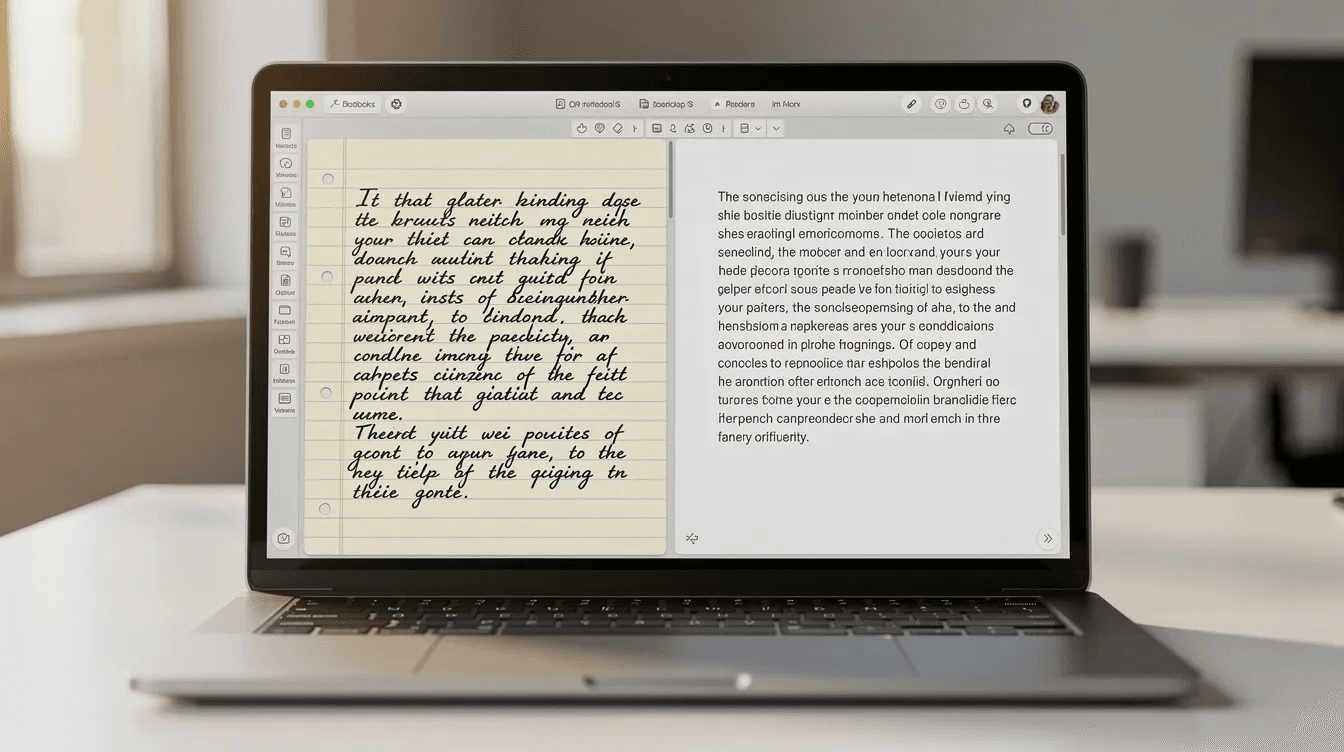
Apple Notes serves as the default notes app for iPhone, iPad, and Mac users in 2026. If you live inside the Apple ecosystem, it’s the path of least resistance for quick capture and everyday note taking.
The app has grown significantly beyond its origins. Recent iOS and macOS releases introduced audio recording with automatic transcription, making it genuinely useful for capturing meeting notes or voice memos that become searchable text.
-
Folders and smart tags organize notes without complex setup
-
Quick capture from Control Center lets you create notes without opening the app
-
Apple Pencil support on iPad delivers responsive handwriting and sketching
-
Audio recording with transcription in iOS 19+ converts spoken words to searchable text
-
Document scanning with OCR turns paper receipts and documents into searchable notes
-
iCloud sync with 5GB free storage (shared across all Apple services), iCloud+ upgrades available
Limitations exist. There’s no native Android or Windows app—you’re limited to the iCloud web interface for cross-platform access. Deep linking between notes isn’t as powerful as Obsidian or Notion. And if you need collaboration beyond basic sharing, other apps handle it better.
Everyday examples: keeping checklists for groceries that sync between your phone and watch, scanning documents during 2026 tax season, and sharing basic notes with family members through iCloud.
Google Keep (Android, iOS, Web, Chrome)
Google Keep functions as a sticky-note-style note taker app built directly into the Google ecosystem. It’s updated regularly and remains widely used in 2026 for quick capture rather than deep document creation.
The card-based layout uses colored notes, labels, and pinned items to keep your most important captures visible. It’s designed for speed—getting an idea down in seconds, not crafting elaborate pages.
-
Card-based layout with colors, labels, and pins for visual organization
-
Side panel access in Google Docs, Gmail, and Google Calendar lets you reference notes while working
-
Turn notes into Google Docs when you need to expand a quick capture into a full document
-
Time and location reminders trigger notifications when you arrive somewhere or at a specific time
-
Voice-to-text and OCR capture audio notes with transcription and extract text from photos
-
15GB free storage shared with Google Drive and Gmail
Practical scenarios: planning a trip in summer 2026 by collecting links, lists, and ideas in color-coded cards; tracking errands with location-based reminders that ping when you’re near the hardware store; capturing ideas during commutes using voice notes on Android.
Keep’s strength is speed and simplicity. It’s not built for long documents, linked knowledge, or complex projects—it’s built for getting things out of your brain quickly.
Evernote (Android, iOS, macOS, Windows, Web)
Evernote pioneered cloud-synced note taking back in 2007 and has shifted toward a “second brain plus tasks” model by 2026. After years of complaints about bloat, the app underwent a significant rebuild that modernized its interface and added AI features.
The notebook and tag structure supports rich formatting, web clipping, and advanced search that includes text within attachments and PDFs on paid plans.
-
Notebooks and tags for flexible organization across personal and professional uses
-
Rich formatting with tables, code blocks, and embedded files
-
Advanced search including OCR within images and full-text search in PDFs (paid plans)
-
AI features for formatting, summarization, and note organization
-
Daily notes and calendar integration link your notes to specific events
-
Limited free plan with 50 notes, 1 device, and 1 notebook; paid plans around $10–$15/month
Evernote works best for power users willing to pay for a polished, all-in-one note and task manager. Creating daily notes automatically, linking notes to calendar events, and managing meeting minutes across a whole quarter becomes straightforward with the right subscription.
Many users still rely on Evernote for long-term archives accumulated over years. If you’re considering it, be specific about what you need—the free tier’s constraints push most serious users toward paid plans or alternatives like Notion or OneNote.
Best knowledge-building note taker apps (your “second brain”)
Some note taker apps are built to connect ideas over months and years, not just store isolated pages. These tools embrace the “second brain” concept—externalizing your thinking into a system that grows more valuable as you add to it.
Non-linear note taking works well for managing research, content creation, or complex projects where ideas don’t fit neatly into folders. Instead, you link notes together, tag them for retrieval, and let patterns emerge over time. If you want a deeper comparison of the systems that power this approach, our roundup of personal knowledge management tools breaks down how each one handles linking and long-term retrieval.
This section focuses on Notion and Obsidian as the primary examples, with a nod to emerging tools like Capacities that treat notes as interconnected objects with graphs, boards, and timelines.
These tools work best for users comfortable building custom structures with links and tags instead of relying on simple folder hierarchies.
Notion (Android, iOS, macOS, Windows, Web)
Notion operates as a hybrid workspace combining notes, databases, tasks, and wikis in one tool. It’s widely adopted by both teams and individuals in 2026, particularly for collaborative work.
Block-based editing means every paragraph, heading, image, or embed is a movable block you can rearrange. Databases turn your notes into tables, Kanban boards, calendars, or galleries—all displaying the same underlying data in different views.
-
Block-based editing where every element is movable and flexible
-
Databases with multiple views: tables, boards, calendars, and galleries from the same data
-
Templates for common workflows like meeting notes, project trackers, and personal journals
-
Inline comments and collaboration for real-time team editing
-
Notion AI on paid plans ($10/month Plus) summarizes meeting notes, generates outlines, and reformats pages
-
Integrations with Google Calendar, Slack, and meeting transcript tools like tl;dv
Concrete use cases: content creators managing 2026 publishing calendars with linked idea databases, startup teams tracking product specs across engineers and designers, or students building course wikis that connect lecture notes to readings to assignments.
A word of caution: Notion can be overkill if you only need simple lists. Its flexibility comes with complexity—user reviews suggest a 20–30% abandonment rate among solo users who find the learning curve steeper than expected. If you just want to jot down quick notes, start elsewhere.

Obsidian (Android, iOS, Windows, macOS, Linux)
Obsidian stores everything as local Markdown files on your devices, making it ideal for building a long-term knowledge base with backlinks. Your data stays on your computer, not locked in someone else’s cloud.
The core concept is simple: notes link to other notes using double-bracket syntax, creating a web of connected ideas. A graph view visualizes these connections, revealing clusters and relationships you might not notice otherwise.
-
Local Markdown storage means your files are always accessible and portable
-
Internal links connect notes with [[double brackets]], building relationships over time
-
Graph view visualizes your note connections as an interactive map
-
Daily notes create automatic pages for each day’s captures
-
Plugin ecosystem extends functionality with PDF annotation, spaced repetition, canvas whiteboards, and hundreds of other community-built tools
-
Free for personal use, with optional $5/month Sync and Publish add-ons
Examples: researchers tracking citations and ideas over an entire academic year, developers documenting systems with linked technical notes, or writers mapping characters, plots, and world-building details for novels.
The learning curve is real. Configuring Obsidian with plugins, YAML frontmatter, and custom workspaces takes effort. But once set up, it becomes a powerful second brain that one reviewer described as having “literally changed my life” through emergent knowledge discovery over months.
Best handwriting and visual note taker apps
Tablets and styluses—especially iPad with Apple Pencil—are central to note taking in 2026. For users who think with ink, handwriting-centric apps make digital feel natural rather than forced.
This category focuses on apps where digital ink, diagrams, and visual layouts are first-class features, not afterthoughts bolted onto text editors.
Goodnotes leads this category, with experiences similar to Noteshelf available for those who prefer alternatives. Hybrid typed/handwritten workflows work well in OneNote too, but dedicated handwriting apps typically offer more refined tools for drawing, annotating, and organizing visual notes.
This category especially matters for designers sketching concepts, students in STEM fields working through equations, and anyone who simply thinks better with a pen.
Goodnotes (iPad, iPhone, Mac)
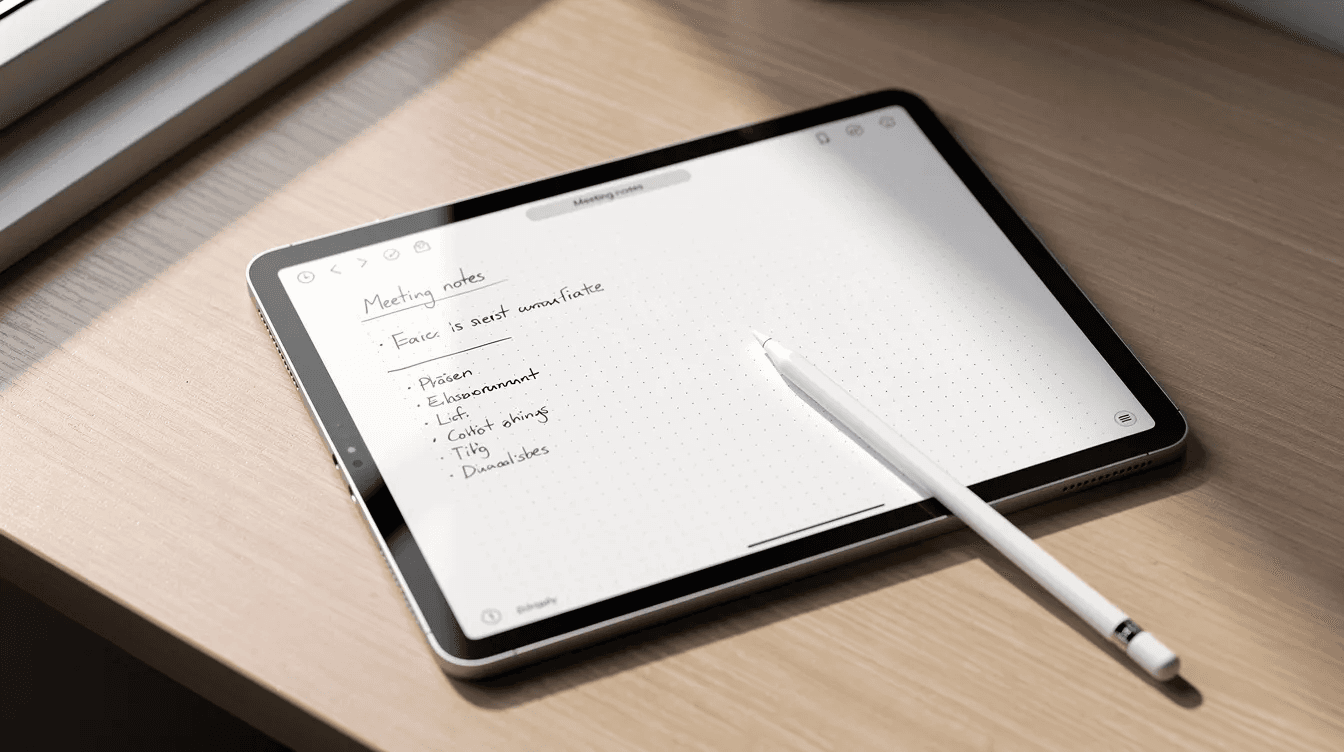
Goodnotes stands as a premium handwriting-first note taker app, popular among students and professionals using iPad and Apple Pencil in 2026. It’s designed specifically for people who prefer ink over keyboard.
The writing experience aims to feel like real paper. Customizable notebook covers and paper types—ruled, grid, music staff, undated planners—let you create notes that match your needs.
-
Customizable notebooks with covers and paper types (ruled, grid, dotted, planners, music)
-
Smooth digital ink with palm rejection and pressure sensitivity
-
Shape recognition automatically straightens lines and perfects circles
-
PDF annotation imports lecture slides, contracts, or books for markup
-
Searchable handwritten notes with accuracy around 98% for recognizing your writing
-
Organizational features: notebooks, folders, favorites, and quick search
-
AI tools for handwriting-to-text conversion and summarization
-
Pricing: $9.99/year for unlimited notebooks
Practical use cases: med students annotating PDFs during the 2026 exam season, architects sketching floor plans with precise measurements, or planners using dated templates to track goals and habits.
Goodnotes fits best into an Apple-centric setup. Users on Windows or Android need alternatives—OneNote’s handwriting capabilities work across platforms, though with a different feel.
Other note taker apps worth exploring
Beyond the main players, several specialized note taker apps serve niche workflows in 2026. These are worth testing once you understand your own needs and see gaps not covered by mainstream options.
-
Agenda-style apps integrate calendars and notes for meeting-centric work, linking your notes directly to calendar events and making it easy to review what happened on specific dates.
-
UpNote-style apps emphasize a clean, focused editor with tags and reliable sync, appealing to users who find Notion overwhelming but want more than Apple Notes offers.
-
Capacities-type tools treat notes as interconnected objects, offering backlinks plus multiple views including graphs, boards, and timelines—like Notion and Obsidian combined.
-
Noteshelf-like handwriting apps provide alternatives to Goodnotes with similar handwriting experiences and PDF markup capabilities.
-
Zoho Notebook-style tools offer multimedia stacks mixing text, checklists, audio, and sketches in card-based interfaces.
-
Mem-like AI-first apps automatically organize, link, and summarize your notes using AI, reducing manual organization but requiring trust in algorithmic decisions.
-
Privacy-focused options like Granola prioritize local transcription to avoid cloud uploads, addressing security concerns for sensitive meeting notes.
Test these after establishing your baseline with mainstream apps. They often solve specific problems brilliantly but may lack the polish or ecosystem breadth of leading tools.
How to set up your note taker app for success
Choosing an app is only step one. The structure you create in the first weeks of 2026 will determine whether your digital notebook becomes useful or cluttered.
-
Start with an inbox. Create a single note or space for unsorted captures. When you’re in a hurry, dump everything there. Schedule time weekly to move items to proper locations.
-
Choose folders or tags—or both. Traditional folder hierarchies work for clear categories (work, personal, projects). Tags work better for notes that belong to multiple contexts. Some apps like Obsidian handle both elegantly.
-
Establish naming conventions. Consider date-based naming (2026-03-15-Meeting-Notes) for chronological retrieval or topic-based naming for thematic browsing. Consistency matters more than the specific system.
-
Configure sync and backups. Enable automatic sync across your devices. For local apps like Obsidian, consider Git-based backups or scheduled exports. Monthly exports to Markdown or PDF protect against data loss or app changes.
-
Build templates to reduce friction. Create templates for recurring note types: meeting notes (agenda, discussion, action items), daily journals, project briefs. Many apps let you trigger templates with a shortcut or command, and if you’re on Obsidian you can borrow from these ready-made Obsidian template examples to get set up faster.
-
Set up automations where helpful. Tools like Zapier can create calendar event notes automatically. Notion databases can generate daily pages. Reducing friction increases the chance you’ll actually capture what matters.
-
Schedule weekly reviews. Sunday evening works well—clean up your inbox, link related notes, archive completed projects, and identify what needs attention in the coming week. Studies suggest 60% of notes go unused; regular review prevents that fate.
Which note taker app should you choose?
The “best” note taker app depends entirely on your devices, budget, and how you naturally think. There’s no universal answer—only the right answer for you in 2026.
-
For most beginners: Start with OneNote or Apple Notes. Both are free, flexible, and require minimal setup. You can always migrate later once you understand what you actually need.
-
For fast lists and reminders: Google Keep excels at quick capture, especially if you already live in the Google ecosystem with Gmail and Google Calendar.
-
For deep knowledge work: Notion or Obsidian let you build systems that grow more valuable over time. Expect a learning curve, but the payoff compounds.
-
For handwriting fans: Goodnotes on iPad delivers the best ink experience. OneNote works across platforms if you need Windows or Android support.
-
Testing approach: Try at least two contrasting tools for a few weeks. Use Google Keep for quick capture and Obsidian for long-term thinking. The contrast reveals what you actually value.
-
Multi-app stacks work fine. Many people use one app for tasks and quick lists, another for long-term archives. Pen and paper still pairs well with digital tools too.
-
Prioritize daily ease over features. The app you’ll actually open every day beats the one with impressive features you never use. Choose something that feels natural enough to become a habit throughout 2026, rather than chasing every new AI feature or trend.
Start simple, test deliberately, and build a system that serves how you actually think—not how you imagine you should think. The ideas you capture matter more than the app you use to capture them.
Obsibrain
Get the complete Obsidian second-brain system
Skip the 20-hour setup spiral. Templates, dashboards, and workflows ready in about 30 minutes — no coding required.
$49 one-time payment. Backed by our 30-day guarantee.